
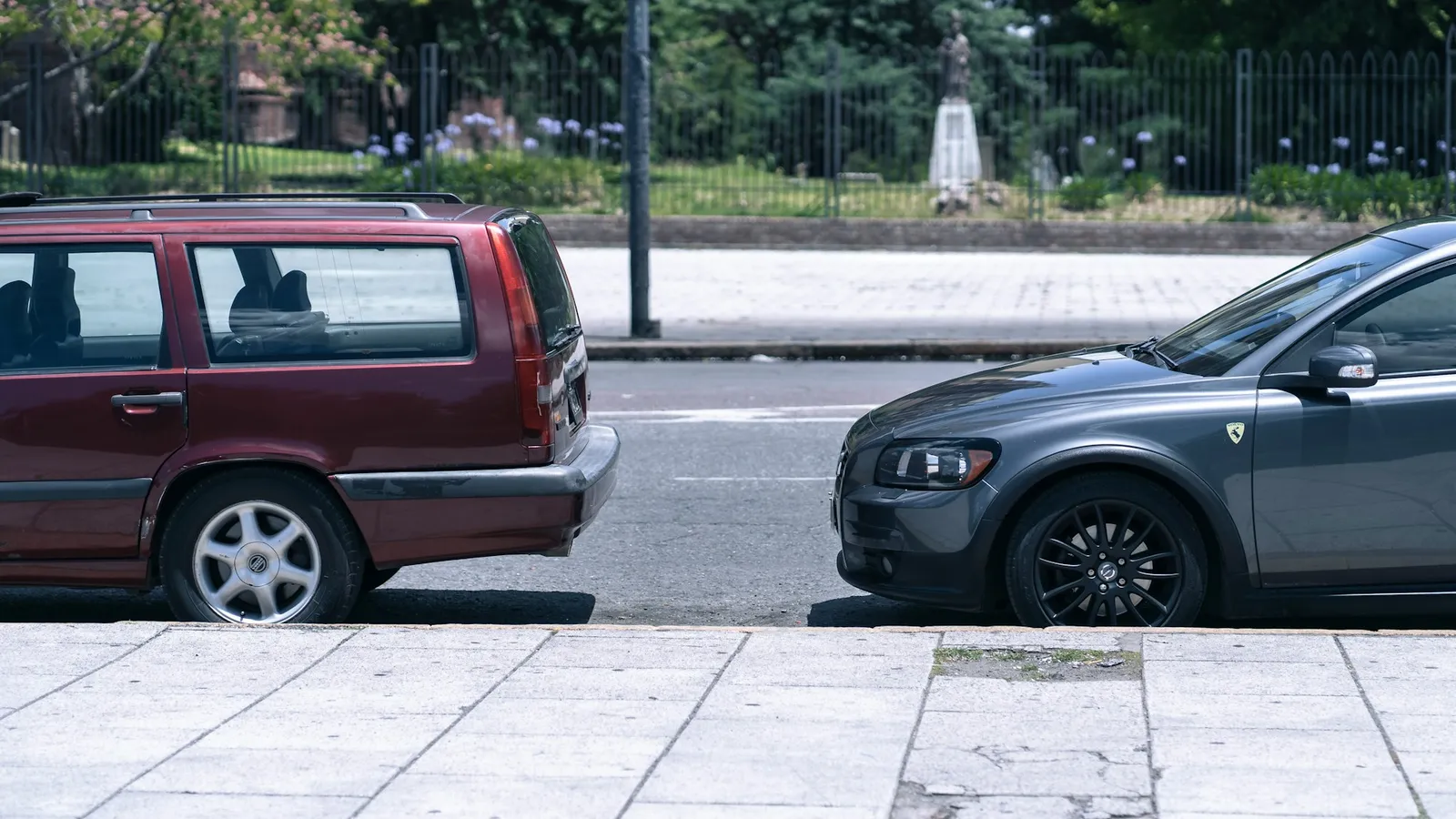
Plan the pickups in route order, not in the order people replied. Add each pickup as a stop on one shared map, with the venue as the last stop. Every friend can then see the car on the map and how far away it is, so they come out when it is two streets away instead of waiting on the kerb. Allow 5 minutes per pickup on top of the driving time.
A carpool to a concert or a match looks easy on paper. Four friends, one car, one start time. In practice the driver spends the trip on the phone. One friend is still in the shower. Another has been waiting outside for twenty minutes. A third lives on a street where the car cannot stop.
Order the pickups by the map
The order people answer in the group chat is rarely the best route. Look at the addresses on a map before the day and draw one line from the driver's home to the venue. Pick up whoever is closest to that line first.
Then look at each address from the road. A flat above a shop on a busy road is a bad pickup point if the car cannot pull in. A corner on a side street, or a petrol station forecourt, is often better. Agree on the exact spot with each friend, not just "outside yours".
A quick timing plan for four pickups looks like this:
| Pickup | Drive from last point | Stop time | Leaves at |
|---|---|---|---|
| Driver's home | 6:00 pm | ||
| Friend 1 | 8 min | 5 min | 6:13 pm |
| Friend 2 | 6 min | 5 min | 6:24 pm |
| Friend 3 | 10 min | 5 min | 6:39 pm |
| Friend 4 | 7 min | 5 min | 6:51 pm |
| Venue car park | 20 min | 7:11 pm |
Five minutes per stop sounds generous. It covers someone running back for their ticket, a bag in the boot, and pulling out into traffic again. If the doors open at 7:30, leave the driver's home at 6:00, not 6:30.
What the friends waiting see
OnTime puts a group on one live map for as long as you choose. For a carpool, the driver creates a Radar, adds each pickup point as a stop, and adds the venue last. The friends join the Radar. Several stops need Plus. The free plan allows one, so make it the venue, and the friends can still watch the car's dot come closer.
Each friend then sees the car's dot moving toward their stop and how far away it is. Nobody needs to text "where are you?" and the driver does not need to read replies at a red light. When the car is two streets away, the friend locks the door and walks out. On iPhone, the Live Activity keeps that distance on the lock screen, so it is a glance rather than an app to open.
Google Maps can do part of this. Since 2018 a driver can share trip progress while navigating, with an arrival time. It covers one destination at a time, though, and the person receiving it sees only the driver. A carpool has several stops and several people who all want to see the same thing.
The driver should not touch the phone while driving. Each friend taps "Check In" at their own stop as they get in, so the people further along the route can see that the car has collected Friend 1 and is moving on.
Meeting the rest of the group at the venue
Most event trips have more than one car. Two carpools and a few people on the train all end up at the same gate. Put everyone on the same Radar, and make the meeting spot outside the venue the final stop. The people on the train can see that one car is still ten minutes out and the other has parked, and wait at the gate rather than in the car park.
End the Radar about an hour after the last song or the final whistle. The trip home then has the same map: the driver can see who has made it back to the car and who is still in the queue for the toilets.
What it cannot do
OnTime does not plan the route or reorder the stops for you. It shows a distance to the next stop, not an arrival time. It also cannot help if a friend's phone is dead. For that, the old rule still works: agree the pickup spot and time the night before, and stand there if you have not heard anything.